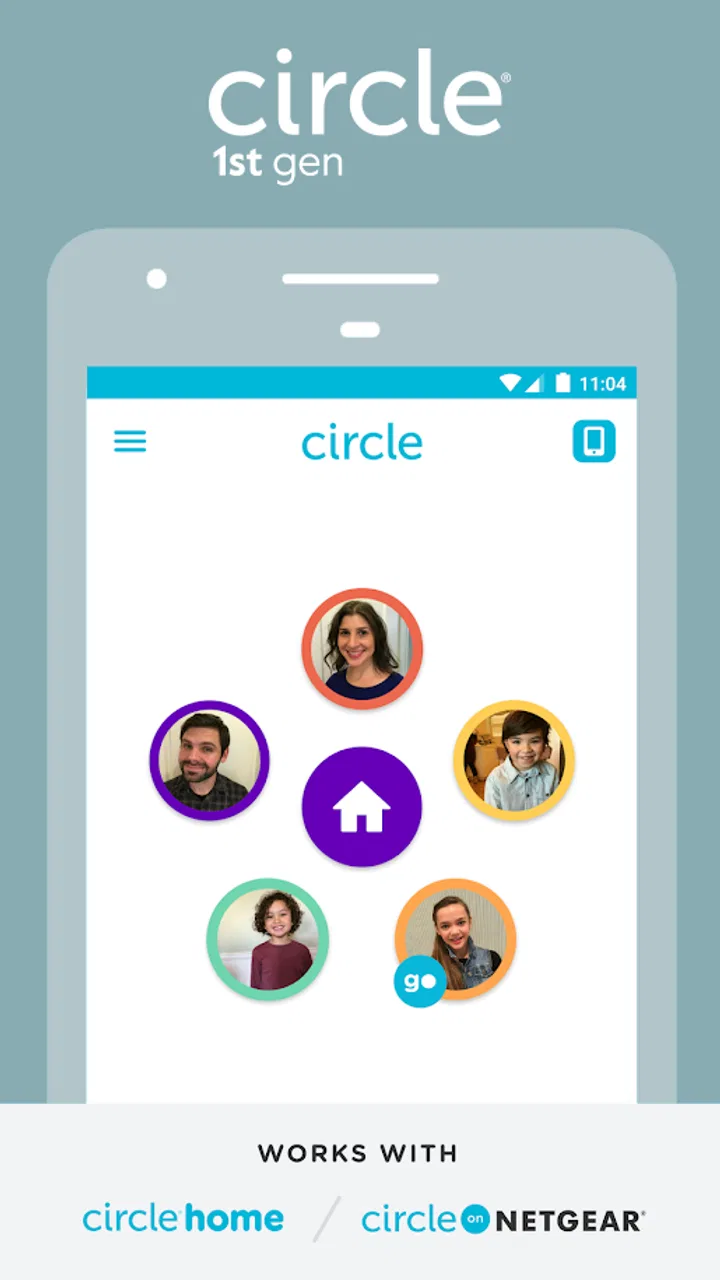
Circle 1st generation
- 1.7
- Rating
- 500.00K
- Installs
- Free
- Price

 Analysis by App-foxy
I approached Circle 1st generation as a household app rather than something I would use alone every day. Its purpose is closely tied to Circle with Disney hardware, so the experience makes sense when several people share a home and need a common way to work with that device. That narrow focus is important: this is not a general lifestyle organizer, a standalone parental-control suite, or a replacement for the settings already built into a phone.
The app comes from Aura Sub LLC and is free to install, with optional purchases shown from $4.99 to $49.99 per item. It is listed for everyone, runs on devices using Android 6.0 or newer, and the current release is version 2.1.15.1. Those details make it accessible on older Android phones, but accessibility should not be confused with broad usefulness. The app is designed around a particular first-generation Circle setup, and that dependency shapes nearly every part of my assessment.
How Circle 1st generation fits into a shared home
The most realistic use case is a family or shared household where the Circle device is already part of the routine. One person may handle the main setup while other adults need to understand how the household is using it. In that situation, the app acts less like an independent destination and more like a control point connected to the Circle hardware. I found that distinction useful because it prevents the wrong expectation: installing the app alone does not turn an ordinary phone into a complete household-management system.
You May Also Like

 Blood Strike: 2.5 Anniversary
Blood Strike’s Loadouts Turn Every Drop Into a Tactical Gamble
A close look at Blood Strike’s custom loadouts: how fast access to signature weapons reshapes its battle royale rhythm, rewards preparation, and narrows the gap between fights.

 Pandora - Music & Podcasts
Pandora’s Music Is Easy to Start, but Harder to Recover
Pandora’s strength is its low-effort path from a seed to a station. Its weak spot is how much confidence it asks you to place in connection, setup, and quiet recovery.

 8 Ball Pool
 Is Built on Rivalries, Rematches, and Routine
A close look at the rivalries, rematches, shared routines, and unanswered safety questions that turn a quick pool match into a persistent mobile community.

 Samsung Music
’s Quiet Strength Is Playing What You Already Own
Its reach comes less from spectacle than from dependable access to a personal library. That simplicity is both the app’s strongest retention engine and its ceiling.

 AccuWeather: Weather Radar
AccuWeather Review: A Quick, Clear Forecast for Everyday Decisions
For everyday plans, the best forecast is the one you can understand quickly. AccuWeather makes rain timing, radar, and local conditions easy to act on, with a few trade-offs.

 Hill Climb Racing
Why Hill Climb Racing Still Turns Crashes Into One More Run
A tiny car, a bumpy hill and one more upgrade: Hill Climb Racing keeps resurfacing because its simple chaos makes every near-miss feel personal.
More From Our News Desk



Imagine a weekday evening in which one adult is preparing dinner, another is helping with homework, and a child is moving between a tablet and a phone. The value of a Circle-based arrangement is having a shared framework for that connected household rather than relying on everyone to remember separate device settings. The app can be part of that routine, but it works best when the adults agree beforehand about who is responsible for changes and how those changes will be discussed.
That social side is easy to overlook. An app connected to a shared device can create confusion if one person assumes another person is managing it. I would decide in advance who performs setup, who checks the household configuration, and how another adult can raise a concern. The application does not remove the need for that conversation. It gives the household a common tool, but the household still supplies the rules and judgment.
I also would not install it simply because the name sounds familiar. The store summary specifically positions it for use with Circle with Disney, while the short description identifies it as the first-generation Circle product. If you are looking for a modern, independent app for managing every phone in a home, this is a poor starting point. Its usefulness depends on whether your household is working with the matching Circle generation and wants an app associated with that setup.
Setup is easier when responsibilities are decided first
Before opening the app, I would make a small checklist: identify the Circle hardware, choose the adult responsible for the account or household configuration, and decide which devices or people are actually part of the arrangement. This is not busywork. Shared-device tools become frustrating when several people begin setup at once or when one person expects access that was never arranged.
The key boundary is between the app and the connected environment. The app is not a magic layer over every device in the home. Its role is tied to Circle with Disney, so I would treat compatibility as the first question rather than the last. If your household has replaced the first-generation equipment or is trying to manage devices outside that ecosystem, I would investigate that fit before spending time on setup.
Another practical boundary is account ownership. A shared household may have two adults who both want visibility, but that does not automatically mean both should change settings independently. I recommend keeping one clear primary administrator and using a simple household agreement for changes. That arrangement reduces the chance of contradictory decisions and makes it easier to understand why the environment behaves differently from one day to the next.
For a child using a shared tablet, I would also separate the tablet’s own user habits from the Circle arrangement. The app should not be treated as a substitute for a device passcode, operating-system privacy controls, or an adult checking what a particular device can do. Those layers solve different problems. Circle 1st generation belongs in the household coordination layer, not as the only protection on a personal device.
Coordination matters more than constant checking
My strongest practical recommendation is to use the app as part of a routine instead of repeatedly opening it without a clear reason. A household can agree on when the adult in charge reviews the setup, when changes are appropriate, and how exceptions are handled. For example, a temporary change for homework or travel should be discussed as a temporary change, rather than becoming an unexplained permanent adjustment.
This approach also helps with shared devices. If a tablet is used by a child during schoolwork and by an adult later in the evening, the household needs to recognize that the same hardware serves different people. A single household-level arrangement may not reflect every person’s needs perfectly. I would therefore use the Circle setup as a broad coordination tool while keeping personal accounts, device settings, and direct supervision relevant where they matter.
There is a useful trade-off here. Central coordination can be simpler than asking every adult to configure every device separately, but it can also hide important differences between devices and users. A family with only a few shared devices may appreciate the common approach. A household full of individually owned phones, tablets, and computers may prefer each platform’s native controls because those controls are closer to the person and device being managed.
I would keep a short note of the household arrangement: which Circle hardware is in use, who manages it, and what the adults expect it to cover. That sounds basic, yet it is one of the more valuable habits with an older ecosystem-linked app. When a setting appears ineffective, the note helps distinguish a configuration issue from a device that was never intended to be covered by the Circle setup.
Age labels do not replace age-appropriate judgment
The app carries an Everyone content rating, which describes the application itself rather than guaranteeing that every household situation will be suitable without adult involvement. A child may be able to encounter the app on a shared device, but I would still keep setup and account decisions with a responsible adult. The important question is not only whether the app is suitable to open; it is who should control the connected household arrangement.
Trust is another central issue. If children know that a household tool exists, adults should explain its purpose in plain language rather than presenting it as a mysterious way to watch them. Clear expectations are healthier: explain what the household is trying to organize, what the adults will do, and which conversations remain private or personal. The app cannot create trust through technology.
For teenagers, the right approach may be collaborative rather than purely restrictive. A teenager who has a personal phone may reasonably expect a conversation about household rules, while a younger child using a shared tablet may need more direct adult guidance. Circle 1st generation can sit inside either approach, but the app itself does not decide which family relationship is appropriate. That decision belongs to the adults and the young person involved.
I would also avoid assuming that a content rating answers questions about privacy, account access, or household authority. Those are separate concerns. An Everyone label can reassure a parent that the app is not presented as mature entertainment, but it does not tell you how to organize shared administration. For that, the household needs its own boundaries and a willingness to revisit them as children grow.
Where the older first-generation focus becomes a limitation
The biggest weakness is the product’s narrow identity. Because it is explicitly associated with the first-generation Circle experience, it is not an obvious choice for someone starting fresh with current phones and a mixed collection of devices. I would choose a platform’s built-in family or screen-management tools when the household needs direct controls for a particular operating system, especially if the devices are not centered on Circle with Disney.
The public reception also deserves attention. The app has an average rating of 1.7 from around 4.3 thousand ratings, with roughly 2 thousand written reviews, and it has passed 500 thousand installs. Those figures suggest that the app has reached a meaningful number of households, but the low average rating is a serious warning sign. I would not dismiss every negative experience as user error. A connected household app has to be dependable and understandable, and a poor rating means I would approach installation with modest expectations and test the arrangement carefully.
Its age is relevant too. The app was released on May 18, 2016, and the current version is 2.1.15.1. An older release can still be useful when it serves the hardware it was built for, but it makes compatibility and long-term confidence more important. I would update the app through the normal store process, confirm that the connected Circle equipment is recognized, and avoid making it the sole basis for a child-safety decision until the household has seen how it behaves in daily use.
The free download lowers the barrier to trying it, but the in-app purchase range means I would pay attention during setup and avoid assuming that every part of the experience is included at no cost. The sensible approach is to understand what your household actually needs before committing to optional spending. If you only want a general way to coordinate personal phones, paying for a Circle-centered arrangement may not solve the problem you have.
Who should use it, and who should skip it
I can recommend trying Circle 1st generation to a household that already owns the matching Circle with Disney equipment, wants one adult to coordinate the setup, and is comfortable treating the app as one layer of a broader family agreement. It may also suit a household that values a shared approach for connected devices more than a collection of separate settings managed independently by each person.
I would skip it if you are searching for a standalone lifestyle app, a universal tool for every modern device, or a simple way to manage a phone without related Circle hardware. I would also look elsewhere if your household needs highly individualized controls for each person, because a shared arrangement can become too broad when everyone owns and uses devices differently.
For a small home with one or two shared tablets, the Circle approach may feel more understandable than configuring every device from scratch. For a larger home with multiple adults and many personal devices, native Android or iOS controls may be easier to audit because they live closer to each user’s device. The better option depends less on the app’s name than on whether your household is genuinely organized around the first-generation Circle environment.
My final view is cautious rather than enthusiastic. Circle 1st generation has a clear role, and that role can still make sense for the right existing setup. I like the idea of using it as a shared coordination point, especially when adults agree on responsibilities and communicate openly with younger household members. But I would not recommend it as a universal answer, and the low average rating makes a careful trial essential.
If your home already uses Circle with Disney, start by confirming the hardware and assigning one responsible adult. Test the arrangement with a shared device, write down what the household expects it to cover, and keep the device’s own security and privacy settings in place. If you do not have that first-generation Circle context, I would choose a more current, platform-native alternative instead. The right reason to install this app is compatibility with an existing household setup, not the hope that it will independently manage an entire digital family life.
FAQs for Circle 1st generation
01What is Circle 1st generation and what does it do?
Circle 1st generation is an earlier version of the Circle parental-control system, designed to help families manage children’s internet access. Depending on the connected device and subscription, parents can create profiles, set daily time limits, schedule bedtime restrictions, pause internet access, apply content filters, and review basic usage information. It is primarily intended for managing supported home Wi-Fi devices rather than monitoring every activity on a child’s phone independently.
02Is Circle 1st generation compatible with modern Android and iOS devices?
Compatibility can be limited because Circle 1st generation is older hardware and software. The app may require a specific Circle device, supported router, or compatible network configuration, and some newer phones, operating systems, routers, and encrypted applications may not work exactly as they did when the product was released. Before downloading, check the current App Store or Google Play listing and Circle’s official compatibility information for your device and network.
03Does Circle 1st generation require a subscription or additional hardware?
Circle 1st generation generally works as part of a hardware-based parental-control setup, so downloading the application alone may not provide its full functionality. Depending on the product package and region, advanced controls may require a Circle device, a compatible router, or a paid Premium subscription. Review the available plan details carefully, because features, pricing, trial periods, and continued support can differ from newer Circle products.
04Can Circle 1st generation block inappropriate content and limit screen time?
Yes, its main purpose is to help parents establish internet rules. You can typically assign devices to family members, choose age-based content filters, set daily usage limits, create bedtime schedules, and pause internet access manually. However, filtering is not perfect, especially with VPNs, private browsing, mobile data, guest networks, and services that use complex or encrypted connections. It should support parental supervision, not replace conversations or responsible monitoring.
05What should I know about privacy and the limitations of Circle 1st generation?
Circle 1st generation may collect network and usage information in order to apply filters, schedules, and activity reports. Parents should review the current privacy policy, permissions, account requirements, and data-handling practices before setup. The system may also have reduced support for newer devices and services, and it cannot guarantee complete visibility or control when a child switches to cellular data, another network, a VPN, or an unsupported device.
Pros
- Simple controls make it easy to learn quickly.
- Minimalist design keeps the gameplay visually clear.
- Short rounds are suitable for quick play sessions.
- Increasing difficulty provides a steady challenge.
- Runs smoothly on most older Android and iOS devices.
Cons
- Gameplay can become repetitive after extended sessions.
- Limited content may reduce long-term replay value.
- No substantial story or character development is included.
- Some levels may feel frustrating without clear guidance.
- Older devices may show occasional performance issues.

Circle 1st generation
Gallery